Assigning a data curator/advisor to a dataset (tentative)
To assign a data curator to a dataset in the development version of Datalakes, the following steps must be followed:
- give a
devormaintainerrole to the data curator in the repository - if no issue template exists, create an issue template
- specify the data curator's user-name in the quick-action at the end of the issue template:
/assign @data-curator-username @data-advisor-username
where @data-curator-username is the GitLab username of the data curator you want to assign, and @data-advisor-username is the GitLab username of the data advisor.
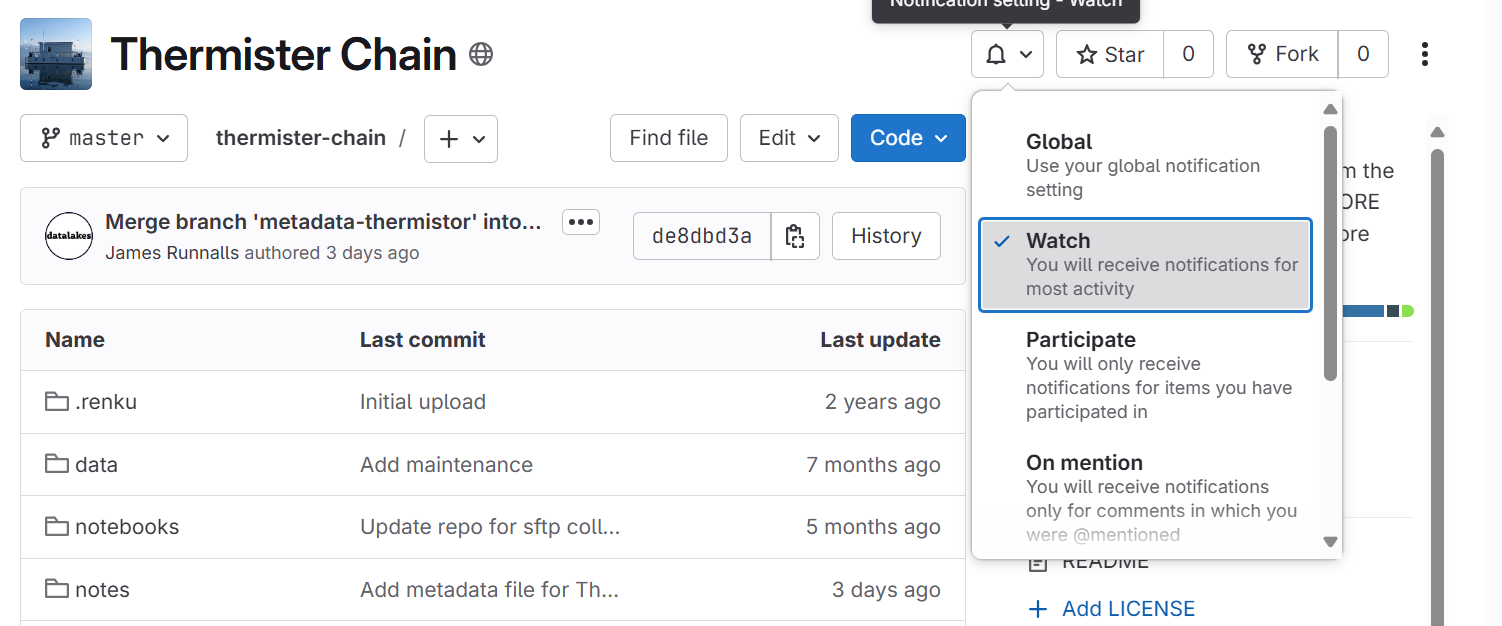
Set up your email notification
Open your assigned dataset, then open the dedicated GitHub repository In the GitHub repository, select the "Watch" tab and select "Participating and @mentions"
Hold "Alt" / "Option" to enable pan & zoom
You can check that you are now watching the repository, under your profile > Settings > Notifications > Watching